Downloadable Tool

ISO IEC 17025:2017 Lookup Tool

Looking for a Great Reference Tool to Support Your Accreditation Efforts?

Whether you’re conducting an internal audit or serving as an assessor performing an external audit, having the right resources and the support of AI at your fingertips can make all the difference. This newly released reference tool is designed to streamline your audit process by providing quick and easy access to essential links and information relevant to your assessment activities.

Rather than spending valuable time searching for requirements, guidance documents, and reference materials, this tool consolidates them into one convenient location. Users may enter their own guidance, searchable by topic or direct selection, providing an easy means to document or archive any aspect of laboratory accreditation sourcing from experience, articles, and presentations with ability to include graphics.

It’s an excellent resource to help you stay organized, efficient, and focused—no matter which side of the audit you’re on.


Getting Started with Your Lookup Tool

The ISO/IEC 17025:2017 Lookup Tool is a macro-driven Excel spreadsheet. You must enable macros in Excel for the tool to work properly. The tool must be run from an Excel desktop application (not Web-based). The Tool was written using Excel version 2503, older versions may cause the Tool not to perform as intended.

Enable Excel Macros – Microsoft Support

How to Use the Tool:
17025 Index Sheet

  • Click any clause number to view detailed clause information.
  • Toggle between Guidance and Nonconformities using the dropdown menu.
  • Use the green search cell (top right) to find clauses by keyword—matching clauses will be highlighted.
  • Click the “<>” button to view commonly found nonconformities.

Clause Display Screen

  • View full clause info and supporting details.
  • Copy text using the “Copy Selected Text to Clipboard” button.
  • Adjust font size with the “Default” or “Increase” buttons.
  • Highlight search words using the “Highlight Search Word General Area” button.
  • Swap between Guidance and Nonconformities using the swap command.

In the newly released version 8.0, updates include:
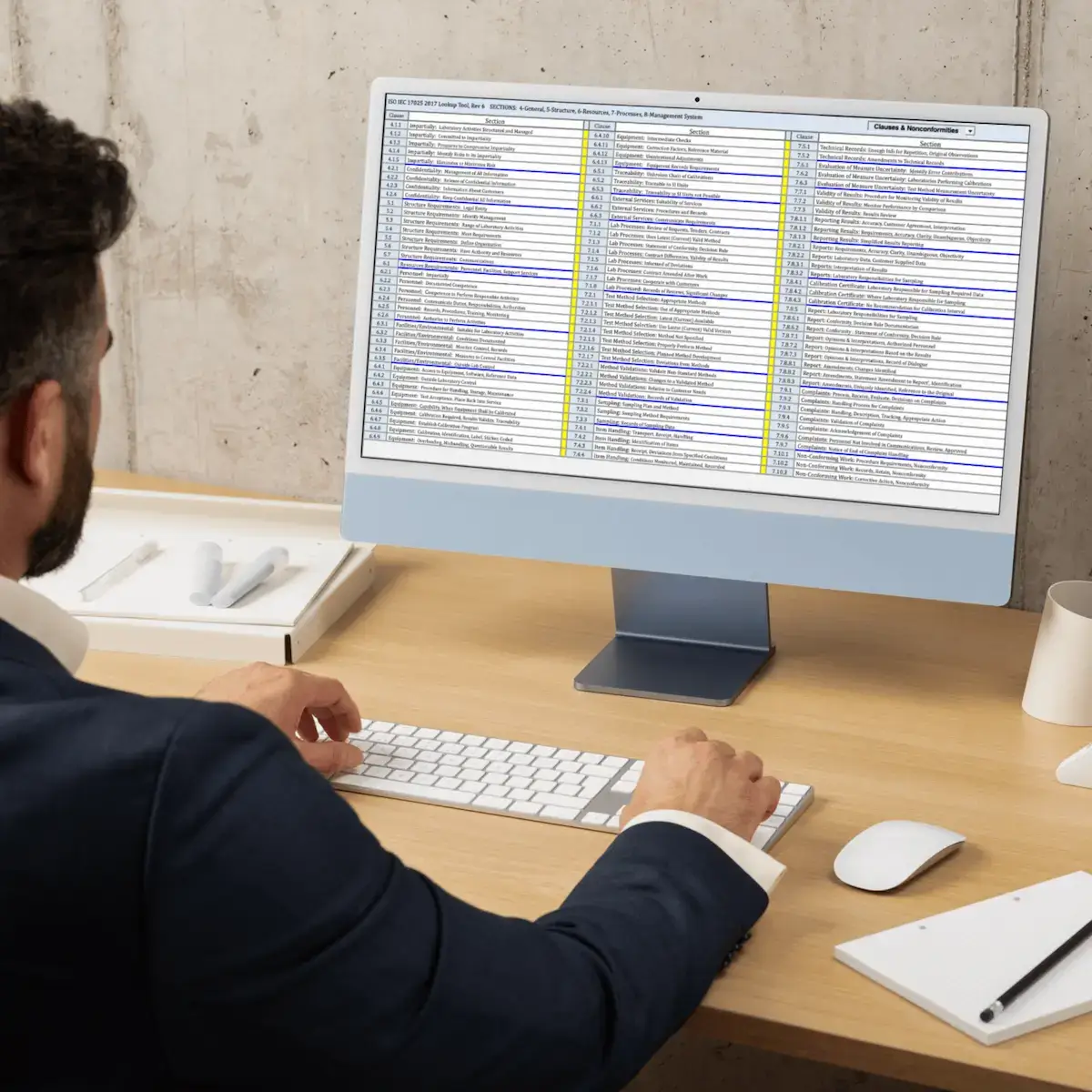
  • The ‘Information’ portion of the tool has been vastly expanded to provide the following search categories: Clause Requirements, Clause Guidance. AI Suggested Assessor Reviews, AI Suggested Nonconformities, AI Suggested Related Clauses
  • ‘Assessing’ functionality allows laboratory-accredited assessments / pre-assessments in an ergonomic, logical fashion while documenting clause / sub-clause evaluations
  • ‘Audit Finding ‘sheet collects any CSCEs determined to be non-compliant
  • In the ‘Pre-Assessment’ portion, the ‘Audit Question’ sheet creates audit questions associated with CSCEs that can be answered during an assessment.
  • ‘Top-Down Data’ allows one to enter laboratory witness parameters
  • ‘Documents Review’ allows specific documents to be associated with applicable clauses and sub-clauses for compliance evaluations.

An ISO/IEC 17025:2017 Software Assessment Tool on Steroids
